QR Code Invitations: Print the Card, Collect RSVPs Online
Updated October 2026.
Paper invitations are nice to hold. They are terrible at collecting replies. Guests put them on the fridge, mean to text you, and don't. A QR code on the card fixes the second half: they scan it, type their name, tap yes or no, and you have the answer on your dashboard.
Here is how to make one, and where it works best.
What guests see
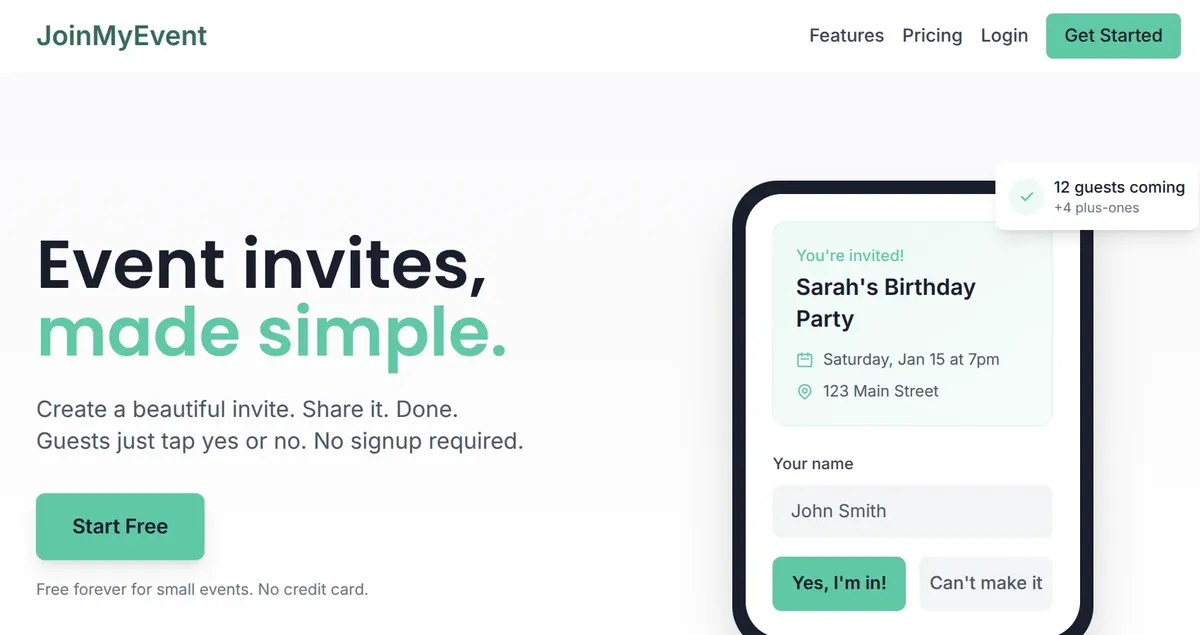
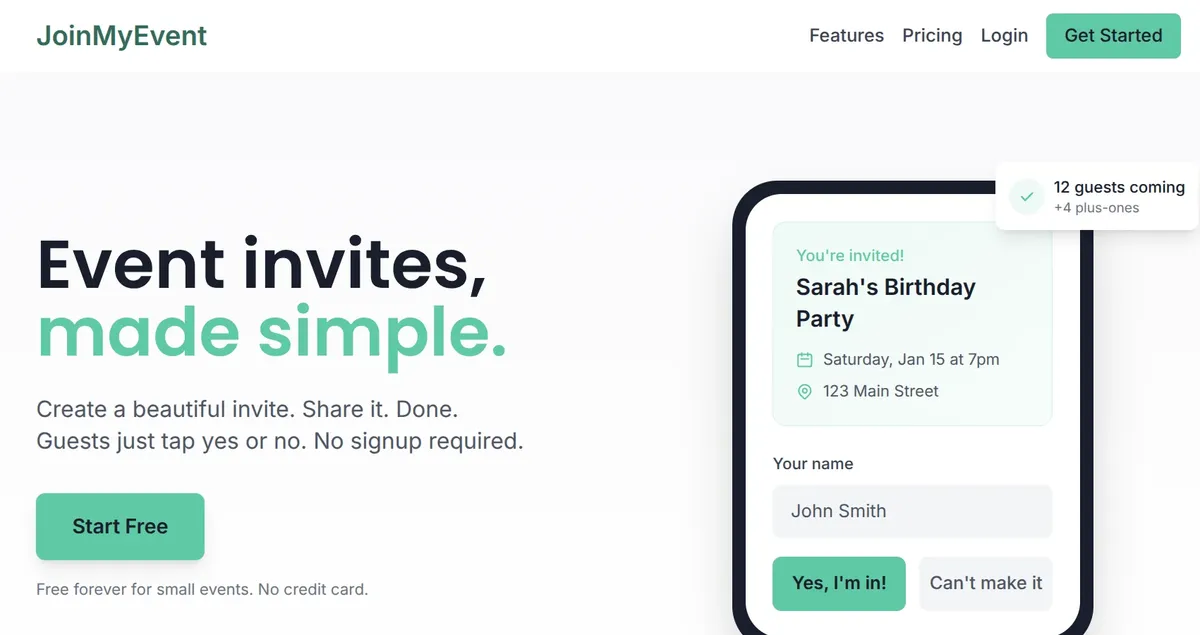
They point the phone camera at the code. The invite page opens in the browser. They enter their name, choose "I'll be there" or "Sorry, I can't make it", add plus-ones if you allow them, and answer any questions you set. No app, no account, no phone number.
If plans change, they get a personal edit link on the confirmation page and can update the reply later.
Making the card
- Go to /start and enter the event: name, date, time, place. No signup needed to start.
- Pick a card style and colors. You can add a photo or an emoji and a short animation.
- In the card editor, choose what the card carries: a QR code or the written link. For print, take the QR code.
- Download the card as an image and print it, or send it as a picture in the group chat.
That is the whole setup. The QR code points at your invite link, so replies land in the same guest list as the ones that come through the link.
Where QR codes work well
Printed party invitations. The classic use. Kids' birthday invites that go home in the school bag, with a code the parents scan. Add the Kids' Party question set so you get allergies and pickup details in the same reply.
Posters and flyers. A community event, a club night, an open house. Nobody writes down a URL from a poster, but plenty of people scan.
Save-the-dates. Print the code on the card, and guests can add the date to their calendar from the invite page. The RSVP can come later.
Office and venue notice boards. The team lunch on the kitchen wall. People scan while waiting for the coffee.
Table cards at a bigger event. A code at the reception desk or on the tables, pointing at a "join us for the after-party" invite.
Tips that make a difference
- Print it big enough. About 2 cm (an inch) across is the minimum for a card. Bigger on a poster.
- Leave white space around it. Codes need a quiet border to scan well.
- Test it before you print 40. Scan the proof with two different phones.
- Say what it does. A line like "Scan to RSVP" next to the code gets more scans than a bare square.
- Add the written link too for the guests who don't scan, for example in the message you send with the card.
What it costs
Nothing. Making the card, the QR code, the invite page and the RSVPs are free, with no limit on guests. Free cards carry a small "Made on joinmyevent.co" credit. If you want it gone, removing it is $2.99 for that one event, and that also unlocks the CSV export of your guest list. No monthly plan.
Where the replies go
Every scan that turns into an answer shows up on your dashboard with the name, the reply and any plus-ones. Guests who said yes can add the event to their calendar. You can post an update later, for a time change or a new address, and it shows on the invite page.
For guest names, questions, updates and the CSV export, you need a free account. Your guests never do.
That is the part paper never did. The card still goes on the fridge, and you still get a headcount :)
Ponlo en práctica
Crea tu invitación
Gratis, en un minuto, y tus invitados confirman sin cuenta.
Crea tu invitación gratis