How to Make a Video Invitation for Free (No App, About a Minute)

A card that moves gets noticed in a group chat full of text. You don't need a video editor or an app for it, and it doesn't take long. This is how it works with the free invite maker on this site, step by step.
What you'll end up with
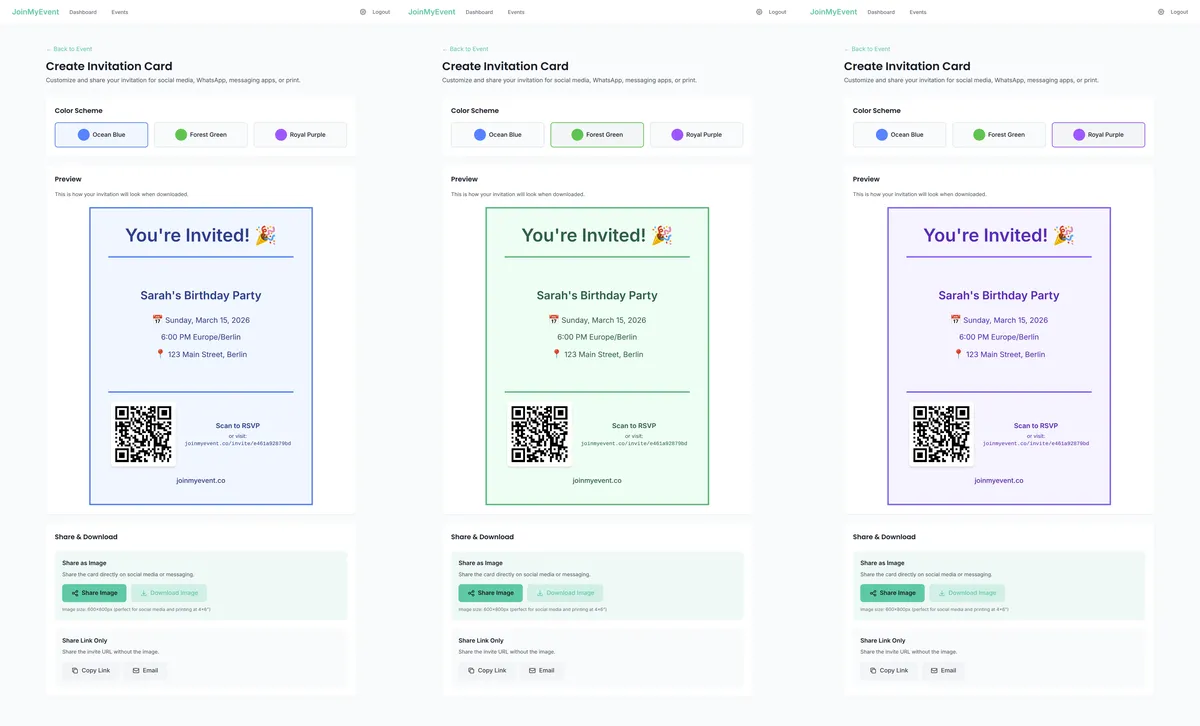
- An animated GIF of your invitation card, a few seconds long, that loops.
- A short video of the same card (MP4 if your browser can record one, WebM otherwise).
- A still image, if someone on the list prefers email or print.
The animation plays over your card: balloons, confetti, sparkles, a shimmer, glowing embers or drifting dots. The text and the design stay put, so the date and the address are always readable.
Step 1: Pick the occasion
Start on the invitation maker and pick your occasion, or go straight to one, like the birthday invitation maker. The occasion sets a sensible starting design, color and animation. You can change all of it.
Step 2: Add the details
Type the name, the date, the time and the place. Keep it short. A card is read in two seconds, so the details that matter go on the card and the rest (parking, what to bring, the dress code) goes in the message or on the RSVP page.
Step 3: Pick a design and a color
Switch between the designs until one fits. Most of them can be recolored. If the card is for a theme party, set the color to match (dinosaur green, unicorn pink). The preview updates as you go.
Step 4: Choose the animation
Open the animation options and try a few. Balloons and confetti suit birthdays and kids' parties, shimmer suits weddings and anything a bit formal, embers suit a fall evening or a fire pit. "None" gives you a still card.
Step 5: Download the GIF or the video
Hit download and pick GIF or video. Both are made in your browser, so it takes a few seconds and nothing is uploaded. No account, no signup.
The free version carries a small "Made on joinmyevent.co" credit. To remove it, turn the card into an invite with a free account and unlock that event once: $2.99 for the still card, $5.99 to include the GIF and the video.
Which file to send where
From what I've seen, this is what works best:
- WhatsApp and iMessage: send the GIF. It plays in the chat right away.
- Telegram and Android messaging apps: the GIF is the safe pick. An MP4 video usually plays too. A WebM file often doesn't, so send the GIF if your browser saved WebM.
- Instagram or WhatsApp stories: once the card is an invite, its card page has a story-sized still image, since a square card gets cropped.
- Email: attach the GIF, or send the still image if you're not sure the other side shows animations.
One thing to know: a link preview never animates. If you only paste a link into WhatsApp, people see a still picture. For the moving version, send the file itself.
Getting replies, too
A video invitation looks nice, but it doesn't tell you who is coming. If you want replies, turn the card into an invite. It's a short form, and most of your card's details carry over. You get a link to go with the card, and guests reply with their name, no signup or app. Plus-ones are counted, and you see the headcount as it fills up.
That's also where the rest of the details can go: a map link, a reply-by date, a question about dietary needs. The card stays short, and the invite page has the rest.
A few tips
- Put the most important thing in the biggest text. Usually that's the name or the occasion, then the date.
- Don't write "details to follow" on the card. People screenshot the card, not the follow-up message.
- For a surprise party, send the file to a separate group, not the one the guest of honor is in.
- Kids' parties: pick the theme first (dinosaurs, unicorns, space), then the color. The kids' birthday invitation maker has party themes built in.
If you need words for the card, there are invitation wording examples for every occasion to copy.
Have fun with it :)
Ponlo en práctica
Crea tu invitación
Gratis, en un minuto, y tus invitados confirman sin cuenta.
Crea tu invitación gratis