Google Forms for RSVPs: How to Set It Up, and When to Use Something Else
Updated October 2026.
Google Forms is free, everyone has filled one in, and it does collect RSVPs. For a small, casual event it can be all you need. This post shows how to set one up so it works well, where it gets in the way, and when it's worth switching to a tool built for invites.
Setting up a Google Form for RSVPs
- Go to forms.google.com and start a blank form.
- Put the event details in the form description, since the form is all your guests will see: what, when, where, dress code, reply-by date.
- Add these questions:
- Name (short answer, required)
- Attending? (multiple choice: Yes / No). Skip "Maybe", it doesn't help you plan.
- Number of guests you're bringing (dropdown 0 to 4)
- Names of additional guests (short answer)
- Dietary needs (checkboxes: none, vegetarian, vegan, gluten-free, other)
- Message (paragraph, optional)
- In settings, turn on "Allow response editing" (under Responses) so guests can change their answer through the link in their confirmation instead of submitting twice. Google may ask them to sign in before they can edit, though.
- Don't require sign-in. It blocks anyone without a Google account.
- Click Send, copy the link, share it.
- Replies land in the Responses tab. Link a Google Sheet to see them as a table.
A few things that make the sheet easier to live with:
- Add a column with
=COUNTIF(B:B,"Yes")for the headcount, and=SUMIF(B:B,"Yes",C:C)for plus-ones. - Sort by timestamp so a guest's later reply is the one you see.
- Check the sheet once a week and message the people who haven't replied. There's no automation for that.
Google Forms wedding RSVP
A wedding RSVP form needs a few more fields than a party form, mostly because the caterer wants a count per meal. Put the date, venue, dress code and reply-by date in the form description, then add:
- Full name (short answer, required)
- Will you attend? (multiple choice: Accepts / Declines)
- Number in your party, including you (short answer)
- Name of your plus-one (short answer)
- Meal choice (multiple choice)
- Plus-one's meal choice (multiple choice)
- Dietary needs or allergies (short answer)
- A song for the dance floor (short answer, optional)
A few settings that help:
- Put the meal questions in their own section. On the attending question, turn on "Go to section based on answer" and send "Declines" to "Submit form", so guests who decline skip the meal questions.
- Add response validation to the party-size question (Number, between 1 and 2) so nobody adds guests the invitation didn't offer.
- Leave "Limit to 1 response" off. It makes every guest sign in with a Google account.
- In the linked Sheet, one
COUNTIFper meal option gives the caterer their numbers.
For the invitation text itself, I collected wedding invitation wording for formal and casual weddings. On JoinMyEvent, guests reply without an account and plus-ones are listed by name. With a free host account you can add a meal choice question that each plus-one answers too, and the headcount updates as replies come in.
What Google Forms does well
- It's free with no limits.
- You can ask anything. Song requests, carpool seats, accommodation nights.
- Guests already know how it works.
- The answers are in a spreadsheet from the start, which is what you'd build anyway.
Where it gets in the way
The form is all there is
Guests see a form with your description at the top. There's no invitation to look at, no card to forward, nothing to add to a calendar. The details live wherever you first shared them.
Changing an answer is awkward
Without "Allow response editing", a guest who changes plans submits again and you get two rows. With it, they need the link from their confirmation email, which they've usually lost. Either way you're the one cleaning up.
Plus-ones are text
"Bringing 2" in one field and "Sam and Alex" in another is fine for ten guests. For forty it's a mess, and you still don't know Alex is vegetarian.
You count by hand
The headcount is a formula you maintain. When someone updates a row, you check the formula still covers it.
It looks like a form
For a BBQ, nobody cares. For a wedding or a 50th, sending guests to a Google Form is a bit like handing them a tax return.
When Google Forms is enough
- Under about 15 guests, no plus-ones to speak of, nothing to cater by the head.
- A one-off where you're happy to look at a sheet.
- You need detailed, unusual questions and you're comfortable with spreadsheets.
When to use a dedicated tool
- Plus-ones with names and their own answers.
- Guests who change their mind, more than once.
- A catered event where the number has to be right.
- Anything where the invite itself should look like an invite.
- Hosting more than once a year, so the setup pays back.
What JoinMyEvent does instead
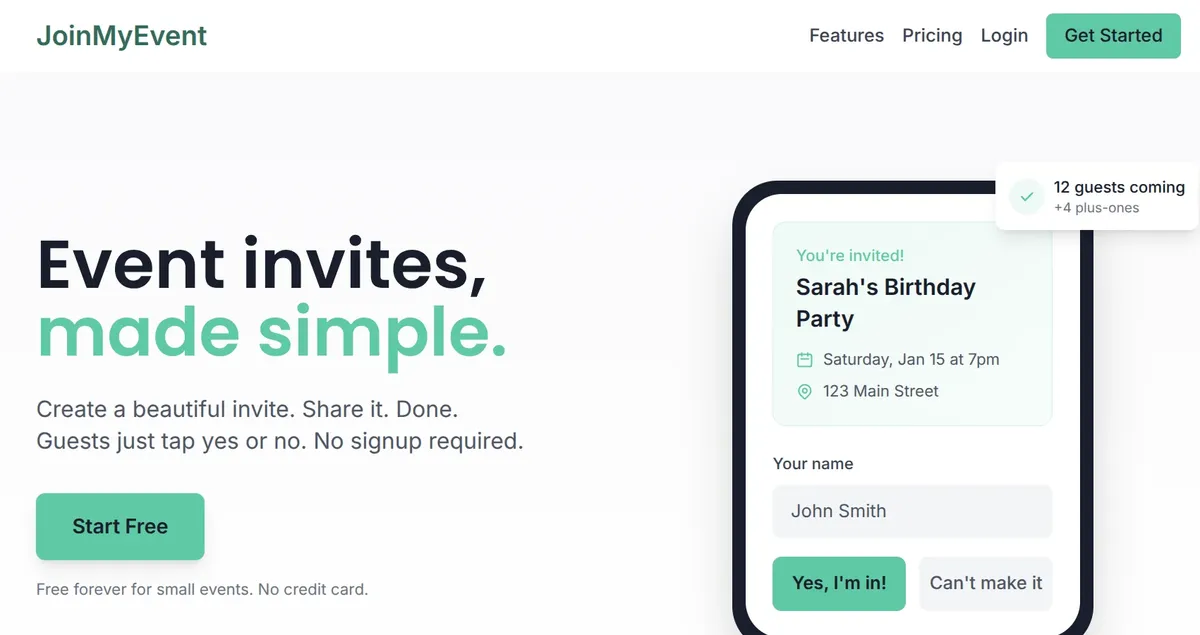
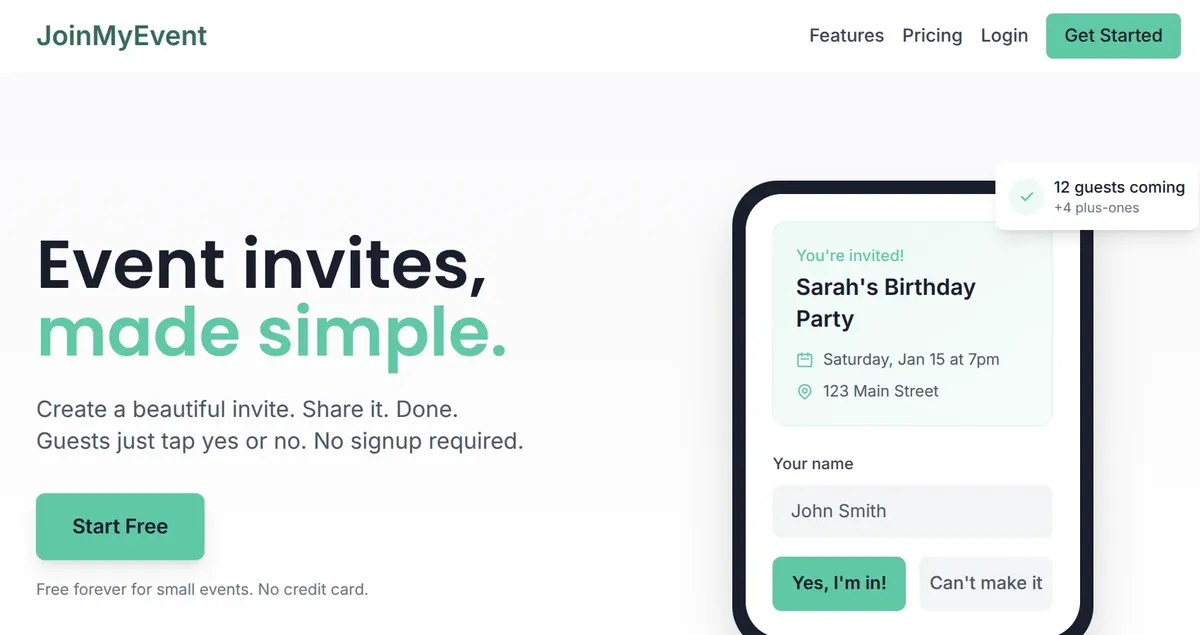
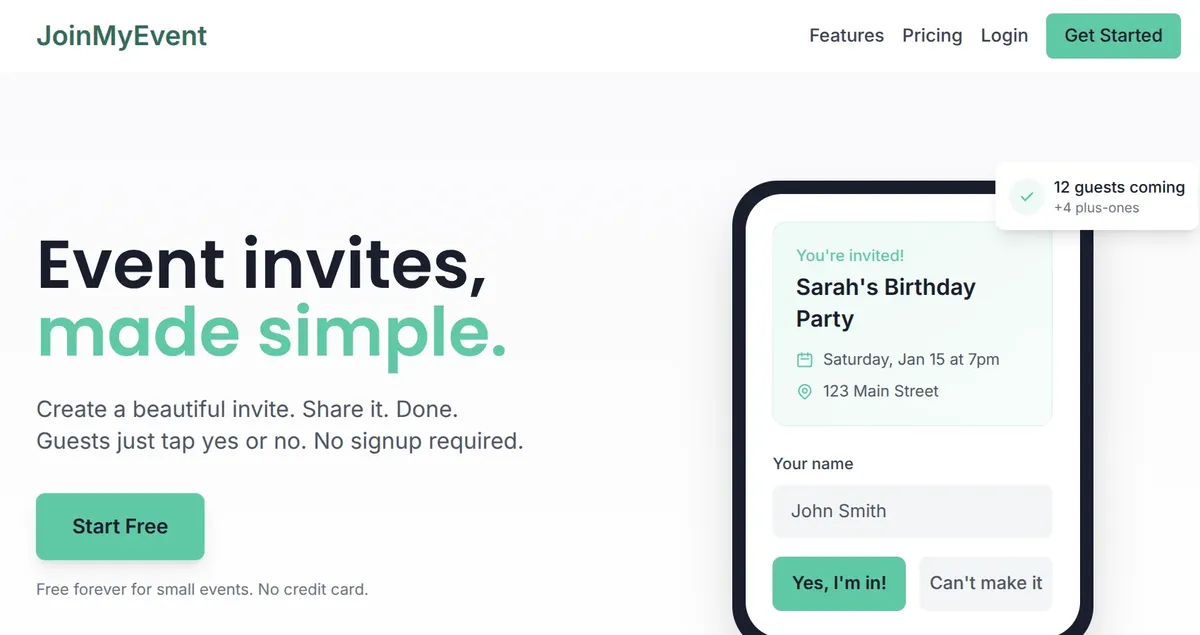
JoinMyEvent gives you an invite card and an RSVP page in one link. Guests type their name and tap yes or no. No account, no Google sign-in. Plus-ones get names and their own answers, custom questions come with one-click templates (dietary needs, meal choice, transportation), and the headcount sits on your dashboard as replies come in. Guests get a personal edit link, so a change of plans updates their reply instead of adding a row. Guests can also add the event to their calendar with one tap.
It's free with no limits on guests, events or questions, and there are no ads. If you want the list as a spreadsheet for the caterer, CSV export comes with the $2.99 per-event unlock.
A middle way
Some hosts keep a Google Form for the long questionnaire (room preferences for a weekend away, say) and use a proper invite for the RSVP. Put both links in the message: "Reply here, then fill in the room form here."
If the Google Form works for your party, keep it. If you find yourself cleaning up the sheet the night before, try a free invite next time and compare.