Gather Exactly What You Need: Custom Questions for Events
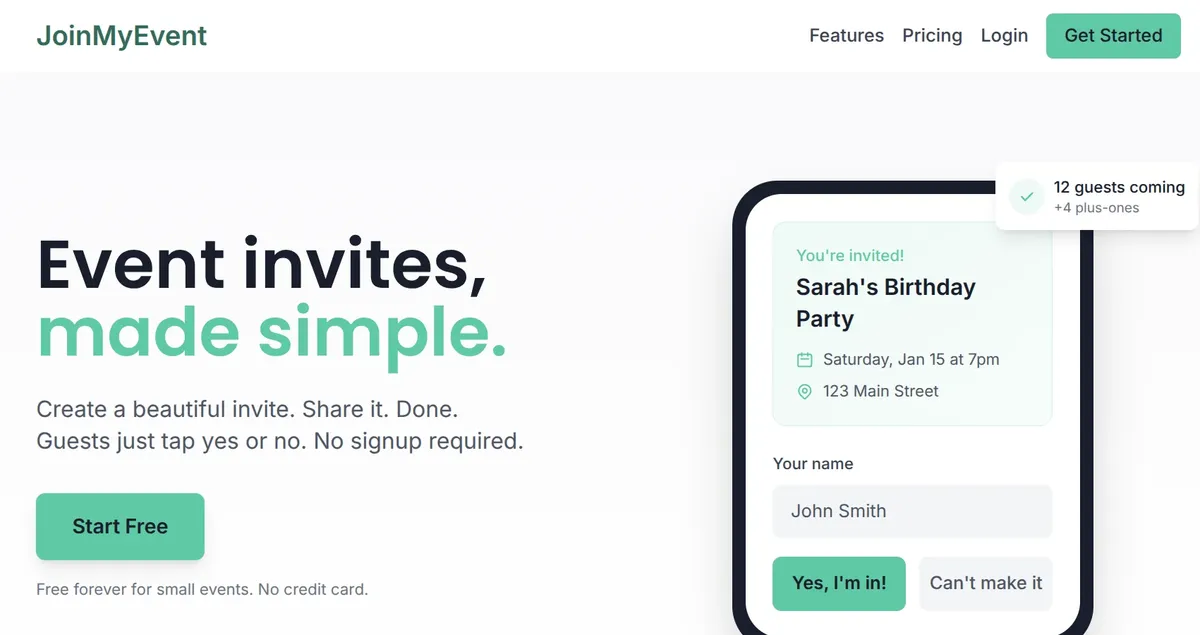
"Are you attending?" is just the start. Real event planning needs more: What will they eat? How are they getting there? Any accessibility needs? What song will get them on the dance floor?
JoinMyEvent's custom questions let you ask exactly what you need to know - built right into your RSVP form.
What Are Custom Questions?
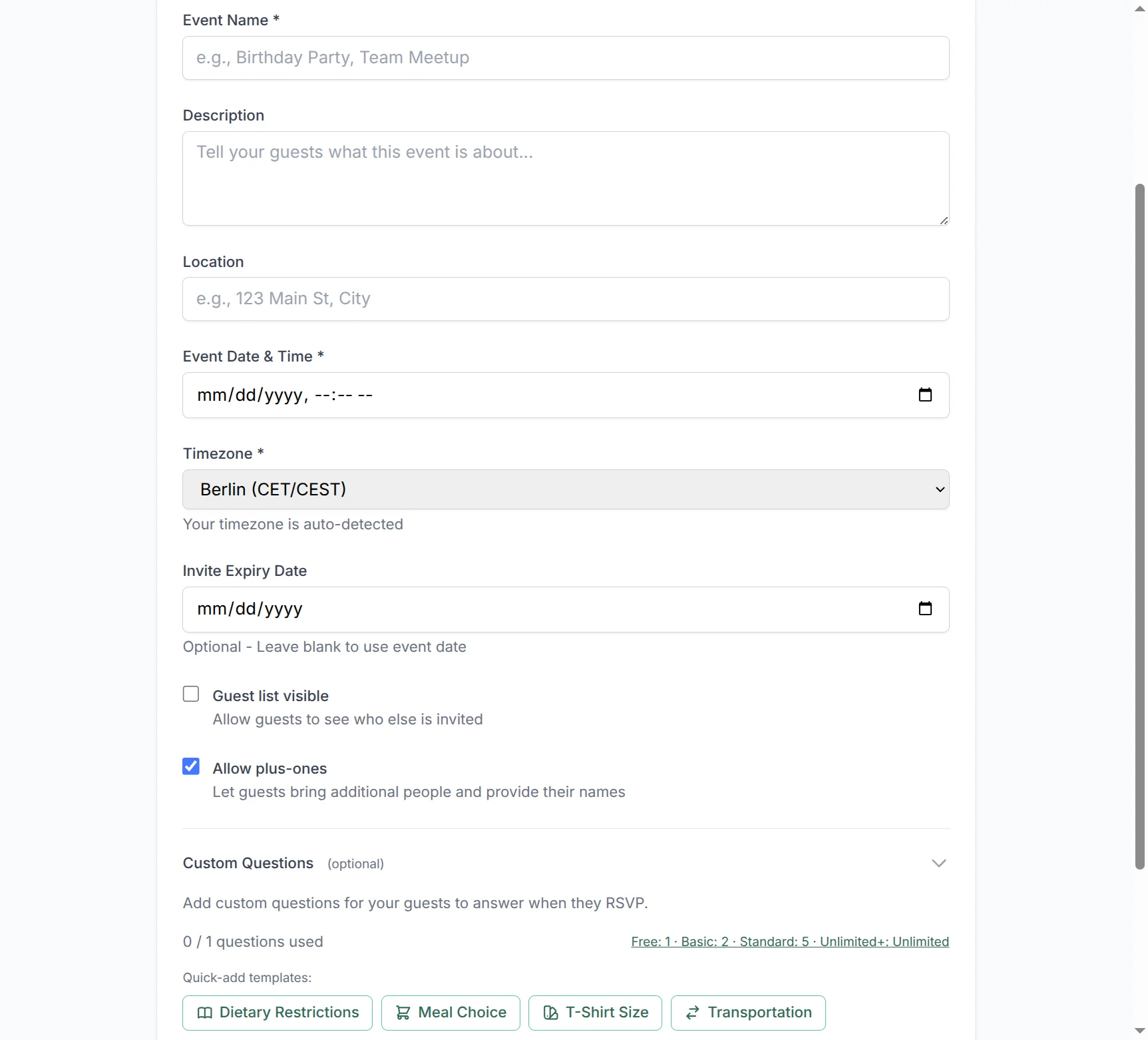
Custom questions are additional fields you add to your event's RSVP form. When guests respond, they answer these questions alongside the standard name/response fields.
You control:
- The question text - Ask anything relevant to your event
- The answer type - Text input, yes/no, single choice, or multi-select
- Whether it's required - Must-answer or optional
- Per-person vs per-party - Do plus-ones answer too?
Question Types
Text Input
Open-ended questions for free-form answers.
Examples:
- "What's your T-shirt size?"
- "Any food allergies we should know about?"
- "What song will get you on the dance floor?"
Best for: Unique answers that don't fit predefined options.
Yes/No Toggle
Simple binary questions.
Examples:
- "Do you need parking?"
- "Will you attend the after-party?"
- "Are you bringing children?"
Best for: Quick yes/no decisions.
Single-Select (Radio)
Choose one option from a list.
Examples:
- "Meal preference: Beef / Chicken / Vegetarian / Vegan"
- "How are you arriving: Car / Train / Carpool / Other"
- "Which session will you attend: Morning / Afternoon"
Best for: Mutually exclusive options.
Multi-Select (Checkboxes)
Choose multiple options from a list.
Examples:
- "Which activities interest you: Hiking / Kayaking / Wine Tasting / Spa"
- "Dietary restrictions: Vegetarian / Gluten-free / Nut allergy / Dairy-free"
- "Which days can you attend: Friday / Saturday / Sunday"
Best for: Questions where guests might select several answers.
Per-Person vs Per-Party Questions
This is where custom questions get powerful.
Per-Party Questions
The primary guest answers once for their entire group.
Use for:
- "How many parking spots do you need?"
- "What's the best phone number to reach your party?"
- "Do you need hotel recommendations?"
Per-Person Questions
Each person in the party (including plus-ones) answers individually.
Use for:
- "What's your meal preference?" (Each guest chooses their own)
- "Any dietary restrictions?" (Allergies are individual)
- "Do you need accessibility accommodations?"
This distinction matters. If you ask "Meal choice?" as a per-party question, you only get one answer for a group of four. Ask it per-person, and you get four answers - one for each guest.
Use Cases by Event Type
Weddings
| Question | Type | Per-Person? |
|---|---|---|
| Meal choice (beef/fish/vegetarian) | Single-select | Yes |
| Dietary restrictions | Multi-select | Yes |
| Song request for the DJ | Text | No |
| Will you attend the rehearsal dinner? | Yes/No | No |
| Shuttle from hotel needed? | Yes/No | No |
Corporate Events
| Question | Type | Per-Person? |
|---|---|---|
| Job title (for badge printing) | Text | Yes |
| Dietary restrictions | Multi-select | Yes |
| Which breakout sessions? | Multi-select | No |
| Need parking pass? | Yes/No | No |
| Company name (for external guests) | Text | Yes |
Birthday Parties
| Question | Type | Per-Person? |
|---|---|---|
| Any food allergies? | Text | Yes |
| Gift preference hint (optional) | Text | No |
| Will you stay for karaoke? | Yes/No | No |
Community Gatherings
| Question | Type | Per-Person? |
|---|---|---|
| Can you bring a dish? | Yes/No | No |
| If yes, what will you bring? | Text | No |
| Interested in volunteering? | Yes/No | No |
Adding Custom Questions
Step 1: Create or Edit Your Event
When creating a new event or editing an existing one, scroll to the "Custom Questions" section.
Step 2: Add a Question
Click "Add Question" and fill in:
- Question text - What you're asking
- Question type - Text, yes/no, single-select, or multi-select
- Options - For single/multi-select, list your choices
- Required - Toggle whether the question must be answered
- Per-person - Toggle whether plus-ones should answer too
Step 3: Reorder if Needed
Drag questions to reorder them. The order you set is the order guests see.
Step 4: Save Your Event
Questions are saved with your event. Guests who've already responded won't see new questions, but future guests will.
Viewing Answers
On the Event Page
Guest responses include their custom question answers. Expand any response to see all details.
In CSV Export
When you export your guest list, custom question answers appear as additional columns. Perfect for:
- Sending meal counts to caterers
- Creating badge lists with titles
- Sharing transportation needs with shuttle services
Plan Availability
Custom questions are available on all plans, with these limits:
| Plan | Questions per Event |
|---|---|
| Free | 1 question |
| Basic | 2 questions |
| Standard | 5 questions |
| Unlimited | Unlimited |
| Lifetime | Unlimited |
See pricing for current plan details.
Tips for Great Questions
Keep Questions Concise
Good: "Meal preference?" Wordy: "Please indicate your preference for the main course that will be served during the dinner portion of the evening's festivities."
Provide Complete Options
For single/multi-select, include all reasonable options. Don't make guests pick "Other" because you forgot their choice.
Consider Mobile Users
Most guests will respond on phones. Long questions or many options can be hard to read on small screens.
Make Sensitive Questions Optional
Not everyone wants to disclose dietary restrictions or accessibility needs. Mark personal questions as optional unless truly necessary.
Use Templates for Common Questions
Don't reinvent the wheel. Check out Question Templates for pre-built questions you can add with one click.
What Guests See
Guests see custom questions as part of the normal RSVP flow. After entering their name and response, they answer your questions on the same page.
For per-person questions, each guest (including plus-ones) gets their own answer fields.
The experience is seamless - guests don't know the difference between "standard" fields and your custom questions.
Common Questions
Can I Edit Questions After Guests Have Responded?
You can add new questions anytime. Editing existing questions is possible but be careful - changes affect how answers appear in exports.
Will Existing Guests See New Questions?
No. Guests who've already responded won't be prompted to answer new questions. They can revisit via magic link if you ask them to update.
Can I Require Some Questions and Not Others?
Yes! Each question has its own "Required" toggle. Mix and match as needed.
How Do Plus-Ones Answer Per-Person Questions?
When the primary guest adds plus-ones, they can enter answers for each person. It's all on one form - no separate responses needed.
Ready to ask the right questions? Create your event with custom questions today. Questions about features? Check our FAQ or email contact@joinmyevent.co.
Ready to Simplify Your Event Planning?
Create beautiful event invitations where guests don't need to sign up