How to Track RSVPs Without a Spreadsheet
Updated September 2026.
The spreadsheet always starts well. A column for names, one for yes or no, one for plus-ones. Then the replies come in through five different channels, someone changes their mind twice, and by the weekend you're scrolling the group chat to check whether Sam said "probably" or "yes".
The problem isn't the spreadsheet. It's that you are the one typing every reply into it. Here is the way around that.
Let guests fill in the list themselves
With one invite link, each guest enters their own name and answer. That's the whole trick. The list builds itself, and every entry is spelled the way the guest spells it.
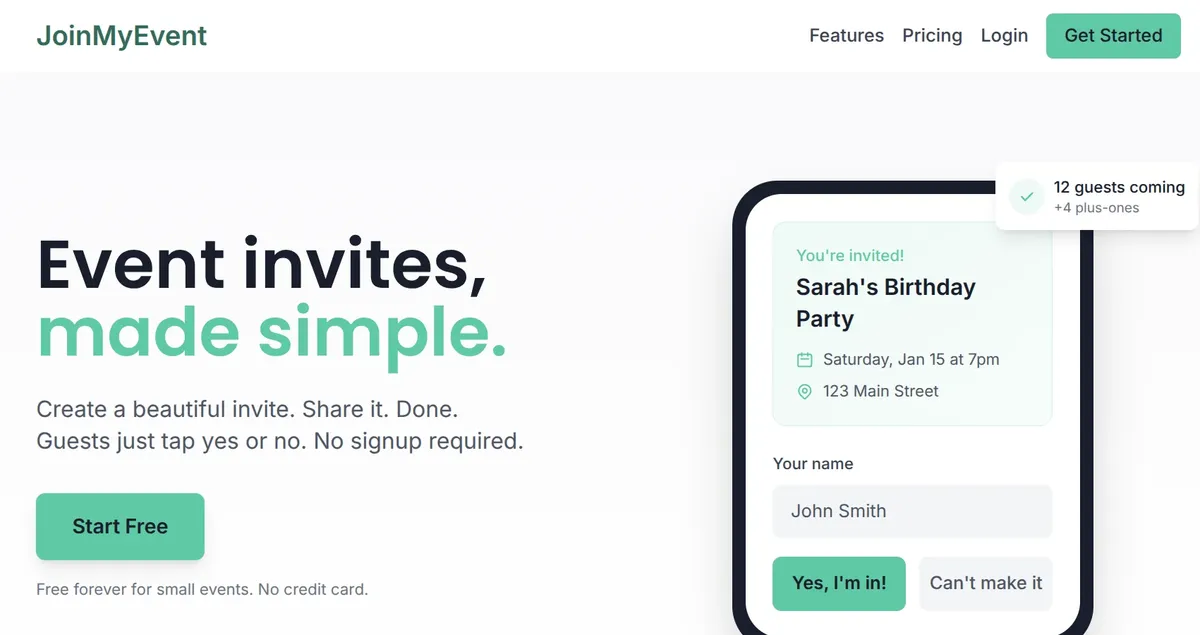
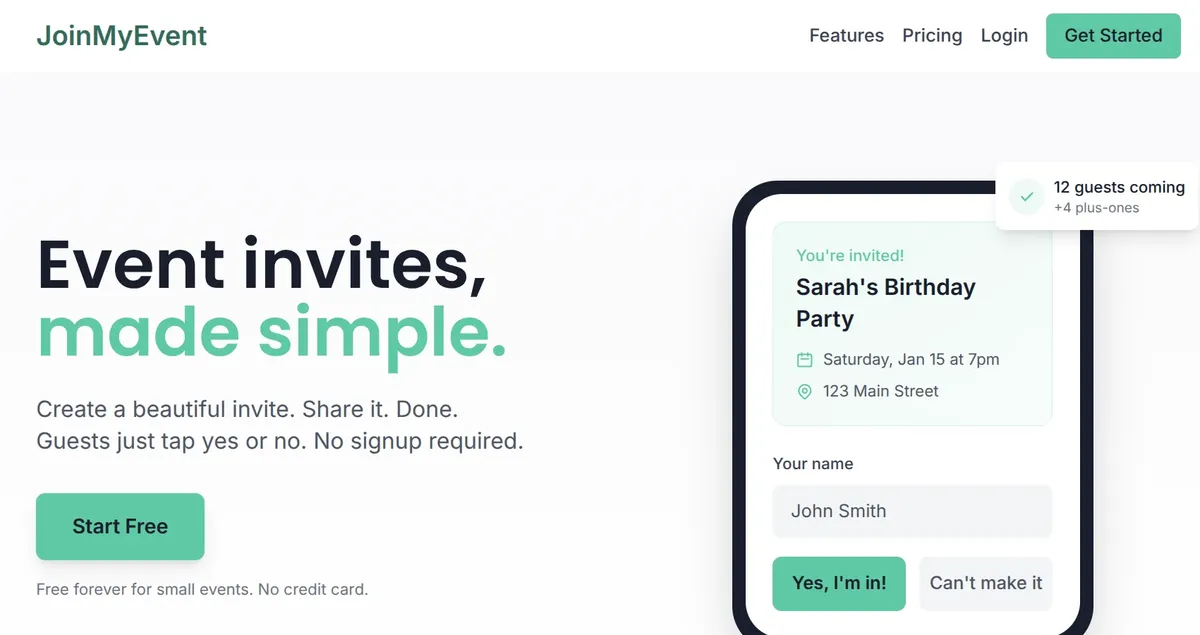
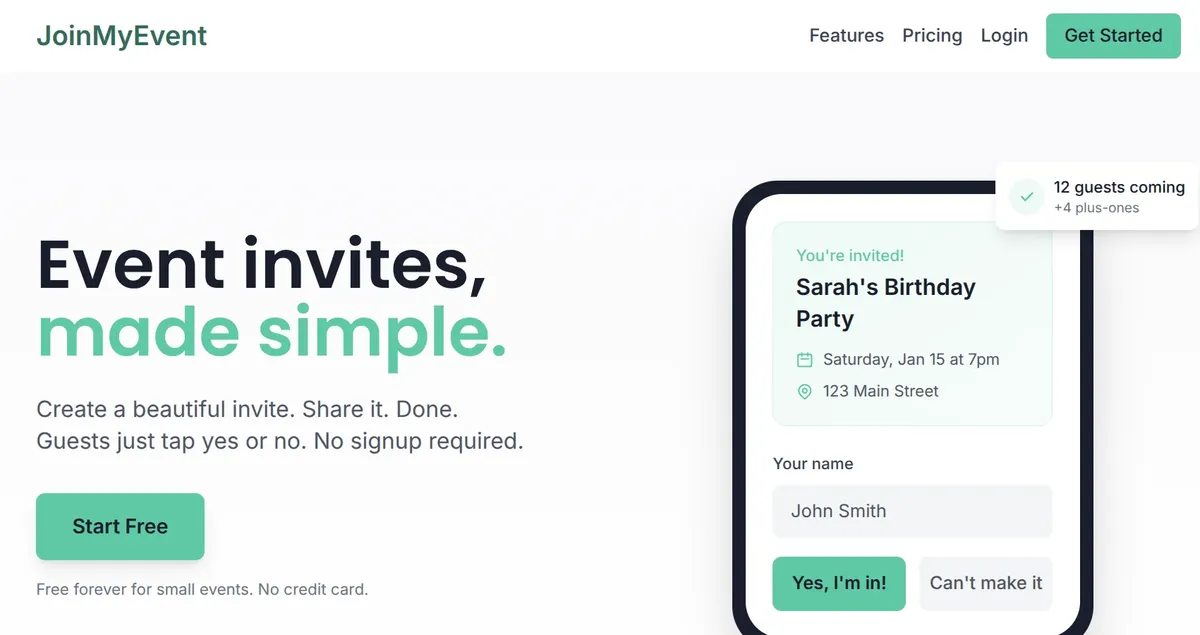
On JoinMyEvent the guest side is one page: name, "I'll be there" or "Sorry, I can't make it", optional plus-ones and a message. No account, no app. From my experience that last part is what gets replies from the people who never fill in forms.
What the live list gives you
- A headcount that is right now. Accepted, declined, and total guests including plus-ones, updated as replies arrive.
- Plus-ones by name. Guests add the people they bring, so "Sam +2" becomes three names on your list.
- Answers to your questions. Allergies, meal choice, transport, kids' pickup details, whatever you asked. The answers sit next to the name.
- Changes handled by the guest. Everyone gets a personal edit link after replying. If they can't make it after all, they update it and your list changes with it.
- Potluck sign-ups. Turn on the dish list and guests claim what they bring while they reply.
The Responses dashboard shows all of this per event, and the same list works for a family reunion, a workshop or a class party.
When you still want a file
Caterers, venues and the person doing name tags often want a file. CSV export is part of the $2.99 per-event unlock, which also removes the small "Made on joinmyevent.co" credit from your card. Host Pass ($19.99 a year) and Lifetime ($149.99) include the export for every event.
Everything else is free with no limits: guests, events, plus-ones, questions, edit links.
A few habits that help
- Put a reply-by date on the invite. "Reply by the 15th" gets answers. "Let me know!" gets emojis.
- Ask the questions up front. Adding "any allergies?" to the reply form beats asking 30 people one by one later. The question sets cover the common ones.
- Post updates on the event page. A time change or a new address goes out once and shows on the invite for everyone.
- Share the link, not a screenshot. Screenshots get thumbs-up reactions. Links get replies.
Getting started
Open /start, enter the event and share the link. The first reply lands on your dashboard, and you never open the spreadsheet again. Hope it saves you an evening :)
Gleich anwenden
Erstelle Deine Einladung
Kostenlos, in etwa einer Minute, und Deine Gäste sagen ohne Konto zu.
Erstelle Deine kostenlose Einladung